
Invoice Generation
How monthly invoices are created, scheduled, and monitored.
Monthly Invoice Generation
This system automatically generates monthly invoices for all active leases in the building management system.
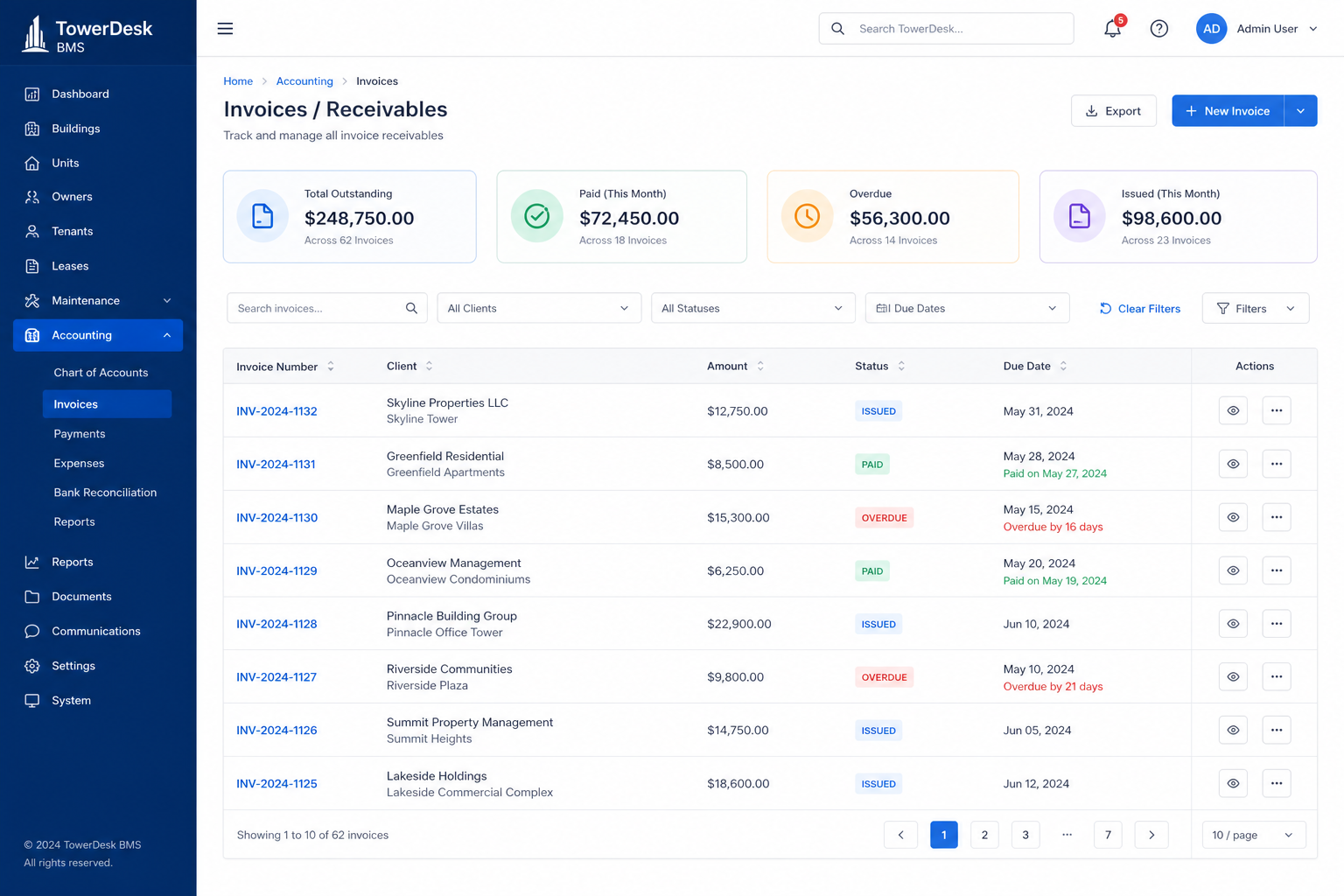
Features
- Automatic Monthly Generation — creates invoices for all active leases on a monthly basis
- Duplicate Prevention — checks if an invoice already exists for the current billing period
- Auto-Issue — monthly invoices are automatically issued (not draft)
- Billing Period Calculation — uses lease
billingCycleDaysandgracePeriodDaysto calculate due dates - Multi-Organization Support — can generate invoices for all organizations or a specific one
How It Works
- Finds Active Leases — queries all leases with status
activethat have started and haven't ended - Checks for Existing Invoices — verifies no invoice exists for the current month
- Generates Invoice — creates invoice with:
- Rent amount as a single line item
- Issue date: current date
- Due date: start of month + billingCycleDays + gracePeriodDays
- Status:
issued(automatically issued) - Notes: includes billing period description
Usage
Option 1: Cron Job (Recommended)
Set up a cron job to call the API endpoint monthly (e.g., on the 1st of each month):
# Example cron job (runs on 1st of every month at 2 AM)
0 2 1 * * curl -X POST https://your-domain.com/api/cron/generate-invoices \
  -H "Authorization: Bearer YOUR_CRON_SECRET"
Set CRON_SECRET in your environment before enabling the cron endpoint.
Environment Variable Required:
CRON_SECRET=your-secret-token-hereOption 2: Manual Trigger via GraphQL
You can manually trigger invoice generation for your organization:
mutation {
  generateMonthlyInvoices {
    success
    skipped
    errors {
      leaseId
      error
    }
  }
}
Option 3: Programmatic Call
import { generateInvoicesForOrganization } from "@/server/invoice-generation";

const result = await generateInvoicesForOrganization("org-id");
console.log(`Generated: ${result.success}, Skipped: ${result.skipped}`);
API Endpoint
POST/GET /api/cron/generate-invoices
Headers:
Authorization: Bearer YOUR_CRON_SECRET
Response:
{
  "success": true,
  "message": "Monthly invoices generated successfully",
  "summary": {
    "totalOrganizations": 5,
    "totalSuccess": 45,
    "totalSkipped": 12,
    "totalErrors": 0,
    "details": {
      "org-id-1": {
        "success": 10,
        "skipped": 2,
        "errors": []
      }
    }
  }
}
Configuration
Lease Settings
Each lease has the following relevant fields:
billingCycleDays— number of days in billing cycle (default: 30)gracePeriodDays— days after due date before considered overdue (default: 5)rentAmount— monthly rent amountrentCurrency— currency code (default:"ETB")
Invoice Settings
- Invoices are automatically issued (status:
issued) - Invoice number format:
YYYY-MM-NNNNN(e.g.,2025-01-00001)YYYY-MM— year and month from issue dateNNNNN— sequential number (5 digits, padded with zeros) that increments per month- Numbers reset each month
- Due date = start of month + billingCycleDays + gracePeriodDays
Testing
Dry Run
To test without creating invoices:
import { generateMonthlyInvoices } from "@/server/invoice-generation";

const result = await generateMonthlyInvoices({
  orgId: "your-org-id",
  dryRun: true,
});
Manual Testing
- Create a test lease with status
active - Call the API endpoint or GraphQL mutation
- Check that invoice was created in the database
- Verify invoice has correct dates and amounts
Security
- The cron endpoint requires
CRON_SECRETenvironment variable - GraphQL mutation requires authentication (organization context)
- Only active leases are processed
- Duplicate invoices are prevented
Monitoring
Monitor the cron job execution:
- Check logs for errors
- Review
summary.totalErrorsin API response - Set up alerts for failed generations
Troubleshooting
If no invoices are generated, confirm leases are active, start dates are in the past, and no invoice already exists for the month.
No invoices generated:
- Check if leases have status
active - Verify lease start dates are in the past
- Check if invoices already exist for the month
Errors in generation:
- Check database connection
- Verify organization ID exists
- Review error messages in response