Accounting
Overview of receivables, payables, and banking in TowerDesk.
Accounting
The accounting module covers receivables, payables, and bank accounts.
Overview
Access accounting from the sidebar under Accounting:
- Overview —
/admin/accounting/overview - Receivables —
/admin/invoices - Payables —
/admin/accounting/payables - Banking —
/admin/accounting/bank-accounts
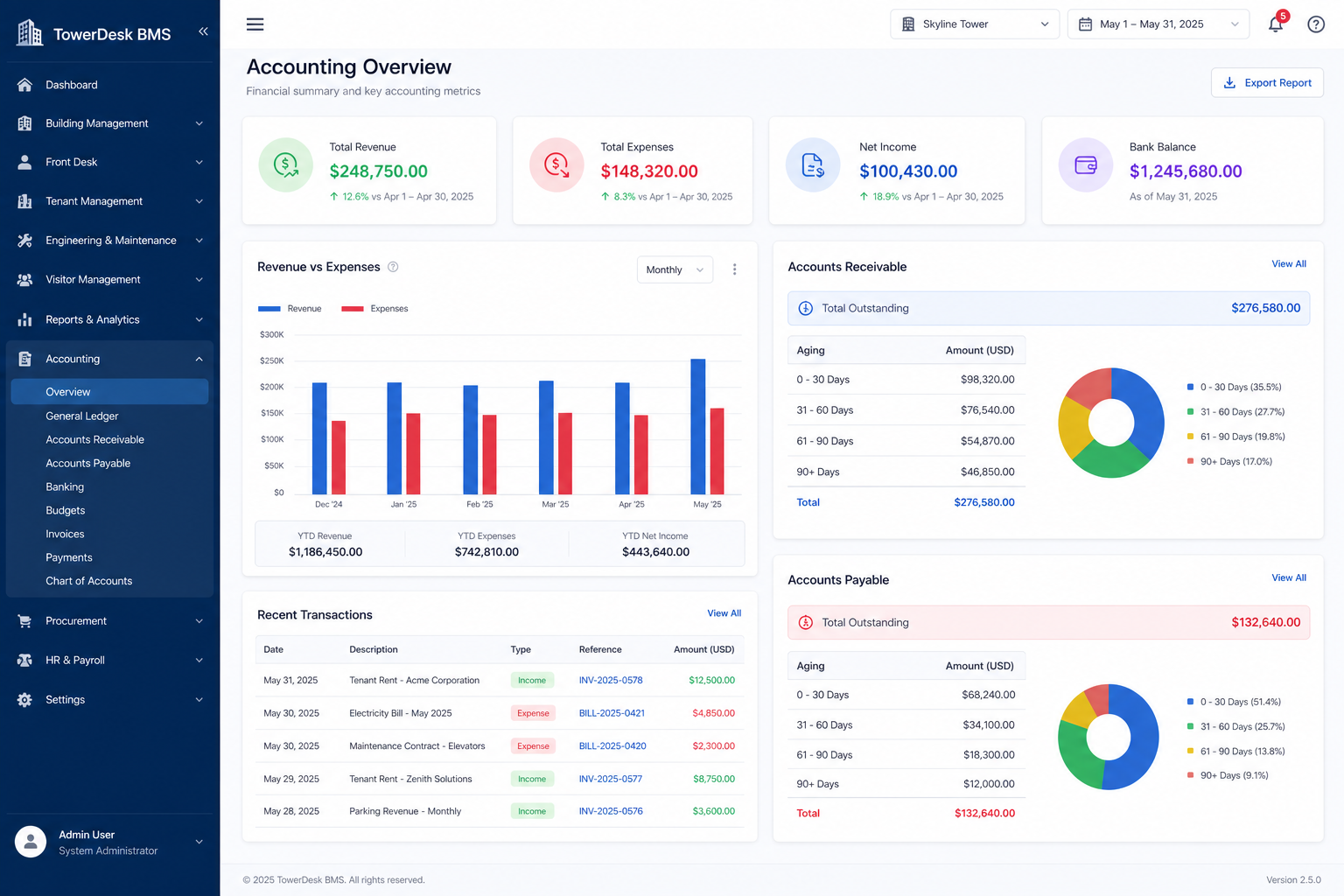
Receivables
Invoices issued to tenants appear under Receivables. Monthly rent invoices are generated automatically when configured — see Invoice Generation.
Payables & banking
Track vendor bills and reconcile bank accounts alongside receivables for a consolidated financial picture.
Accounting data is organization-specific. Verify your active organization before recording transactions.
On This Page