
Getting Started
Set up your organization and learn how to navigate TowerDesk.
Getting Started
This guide walks you through the first steps after signing in to TowerDesk.
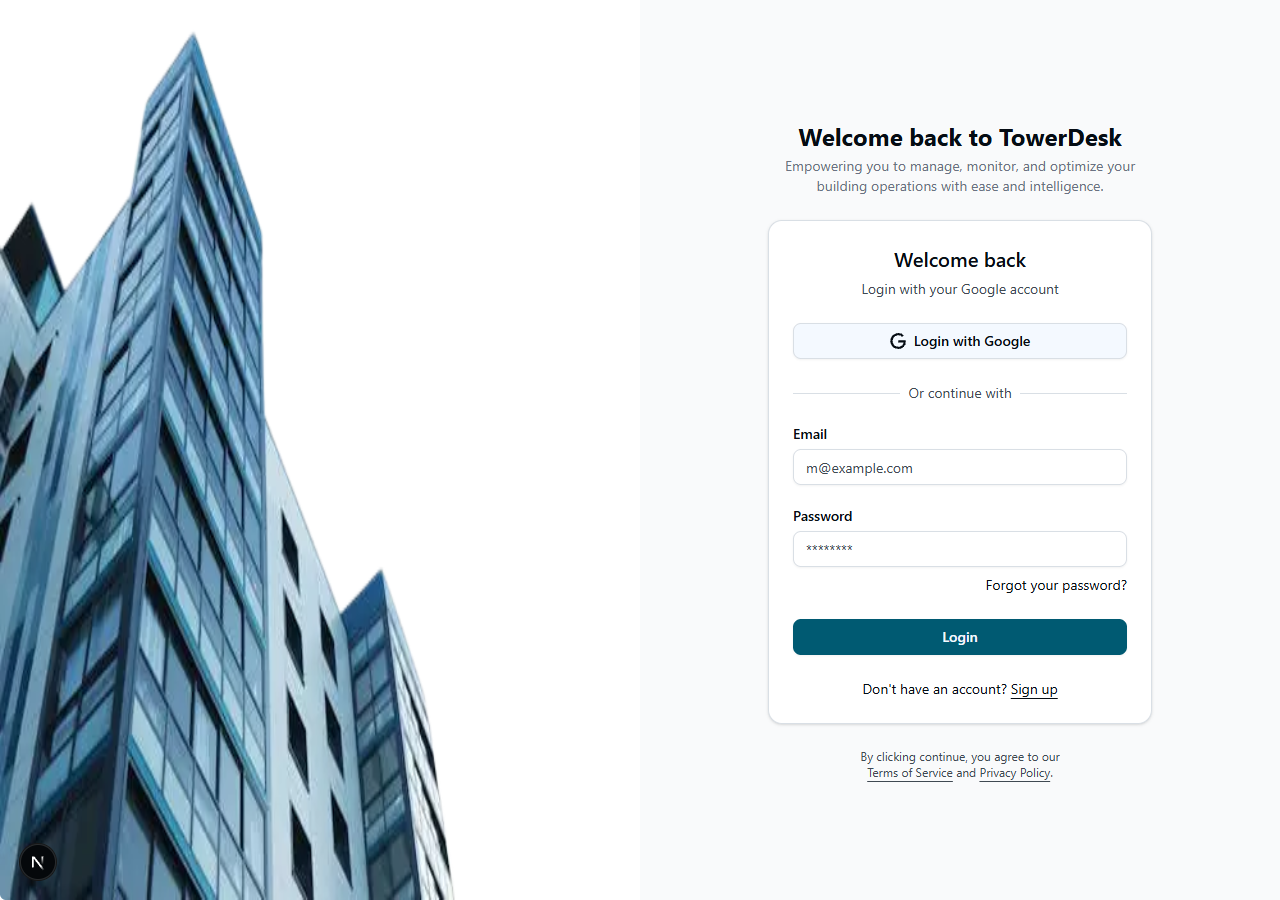
Sign in and organization setup
- Sign in at
/auth/signinwith email/password or Google OAuth. - If you are not assigned to an organization, complete setup at
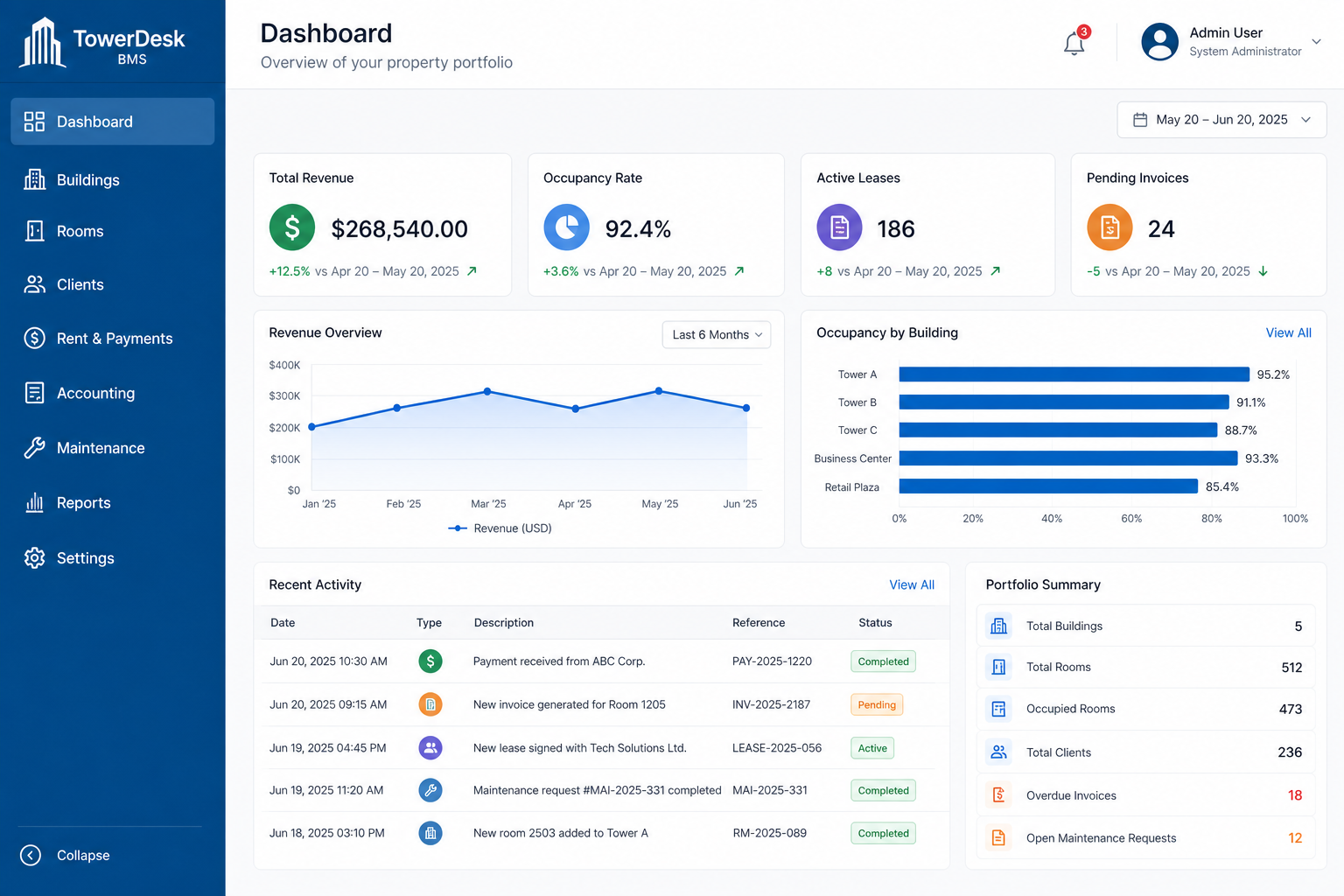
/auth/organization. - After setup, you land on the Dashboard at
/admin/dashboard.
Main navigation
The admin sidebar groups the core modules:
- Dashboard — KPIs and quick actions
- Properties & Units — property inventory
- Tenants — tenant records
- Leases — lease agreements and rent schedules
- Accounting — receivables, payments, payables, and banking
- Maintenance — work orders and requests
- Reports — analytics and exports
- Settings — organization preferences
Most actions are scoped to your active organization. Switch organizations from the user menu if you belong to more than one.