
Tenants & Leases
Manage tenants, lease agreements, and rent schedules.
Tenants & Leases
TowerDesk separates tenants from leases (rental agreements).
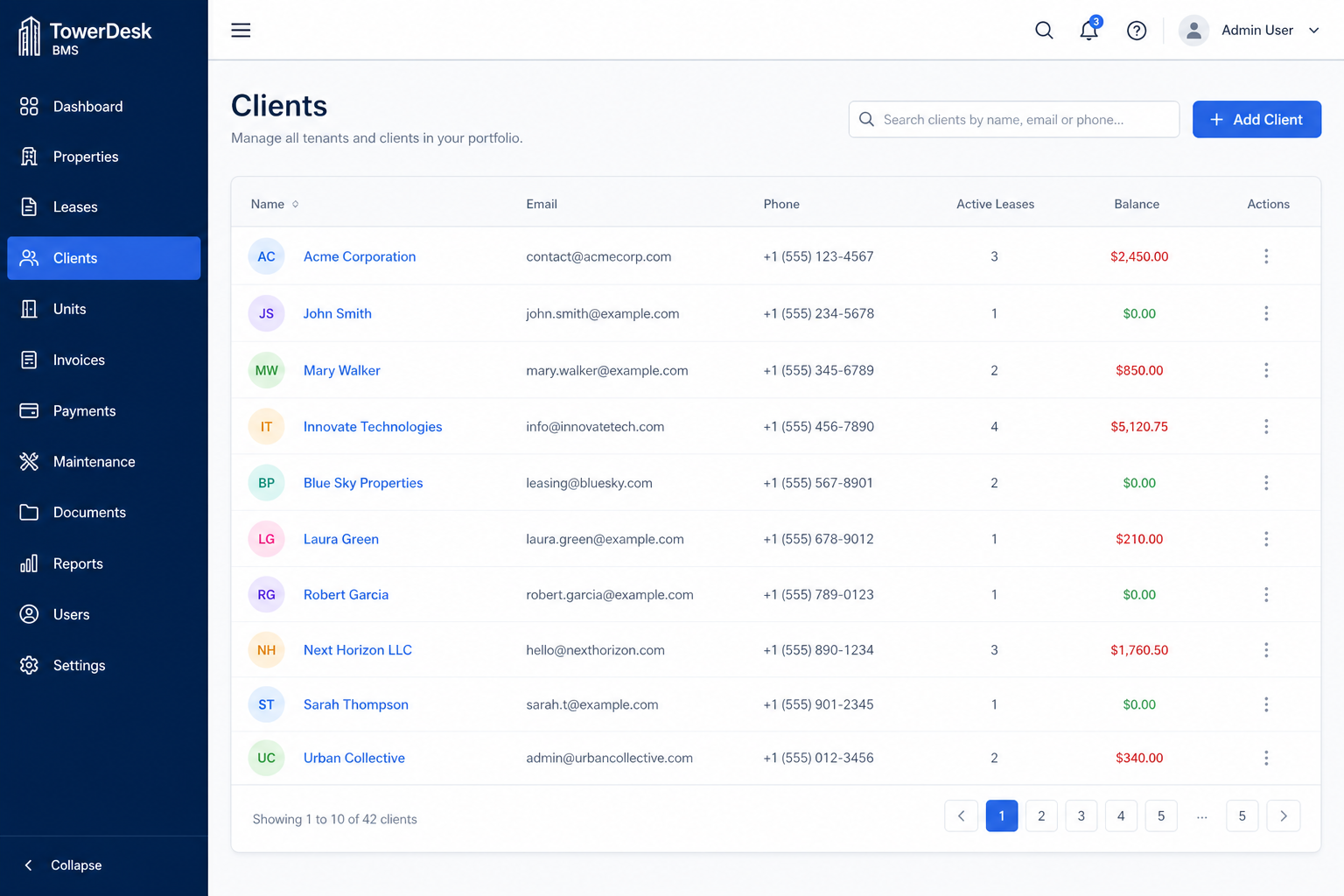
Tenants
Manage tenant profiles from /admin/tenants:
- Contact details and identification
- Linked leases and invoices
- Payment history per tenant
Lease management
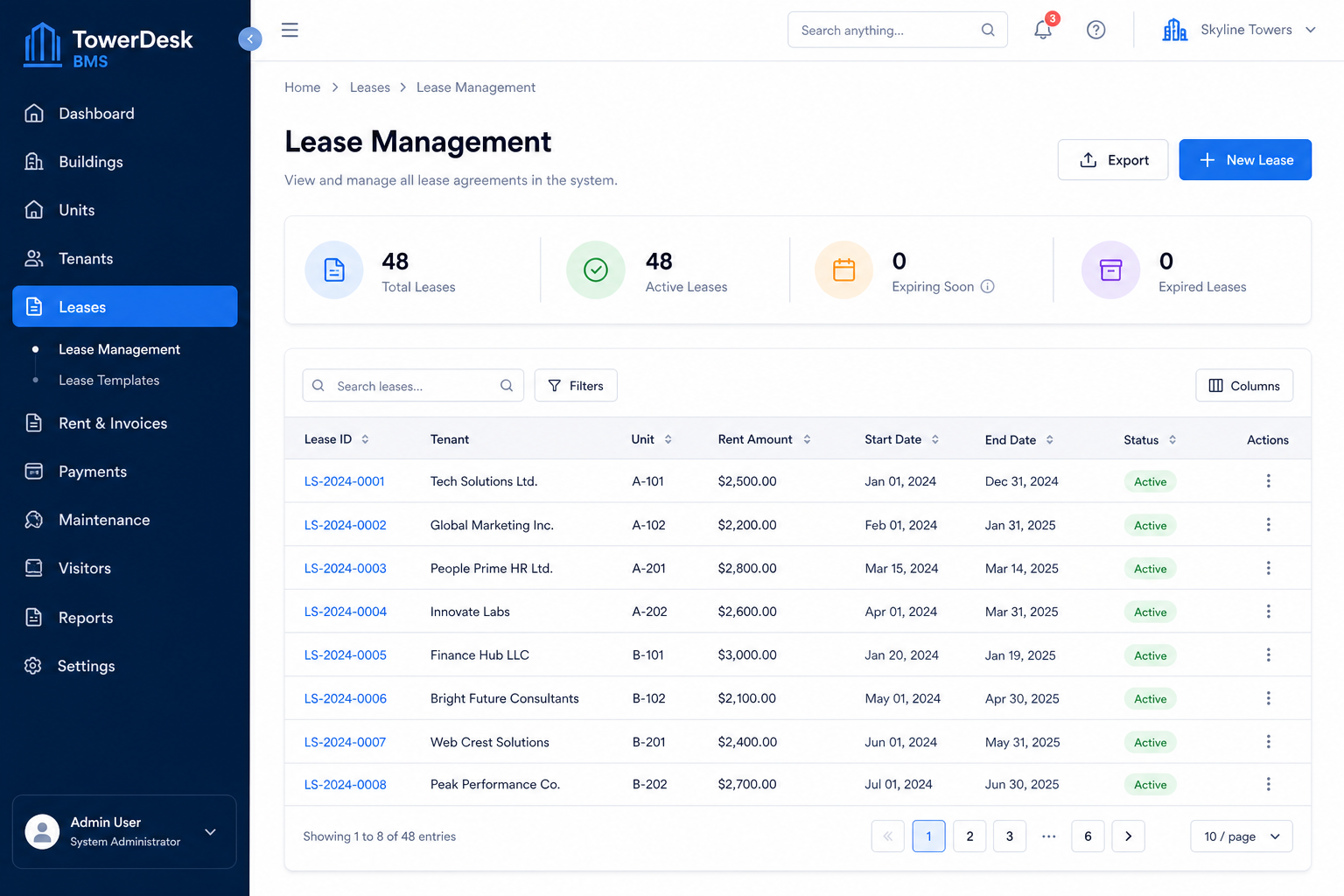
Use /admin/leases to:
- Create leases tied to rooms/units
- Set rent amount, currency, billing cycle, and grace period
- Track lease status (
active, ended, etc.)
Billing settings
Each lease supports:
| Field | Purpose |
|---|---|
rentAmount | Monthly rent |
billingCycleDays | Length of billing cycle (default 30) |
gracePeriodDays | Days after due date before overdue |
Active leases with valid dates are included in monthly invoice generation. See Invoice Generation for details.